How product packshots help sales: what a product page needs
How product packshots help sales: what a product page needs
A buyer on your webshop can't pick the product up, turn it over or read the back of the pack. The packshots have to do that for them. Here's what each product page needs, and why.
If you want the definition first, we've written about what a packshot is, and separately about why good product photos matter for an online shop. This piece is the practical side of ecommerce product photography. You have a range to put online, or a range already online that doesn't look right, and you want to know what to shoot.
The test for every photo on a product page is simple. Does it answer a question the buyer would otherwise answer by holding the product? If it does, it earns its place. If it repeats another photo from a slightly different angle, it's taking up space.
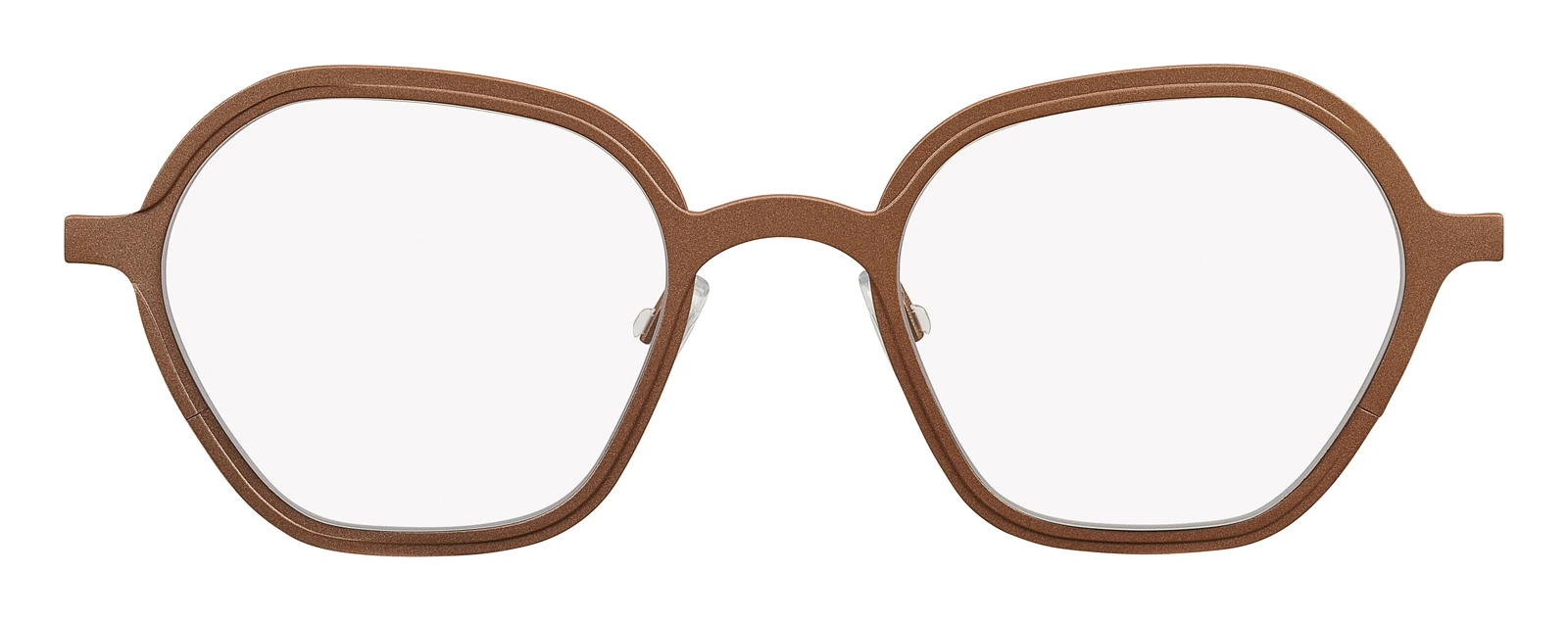
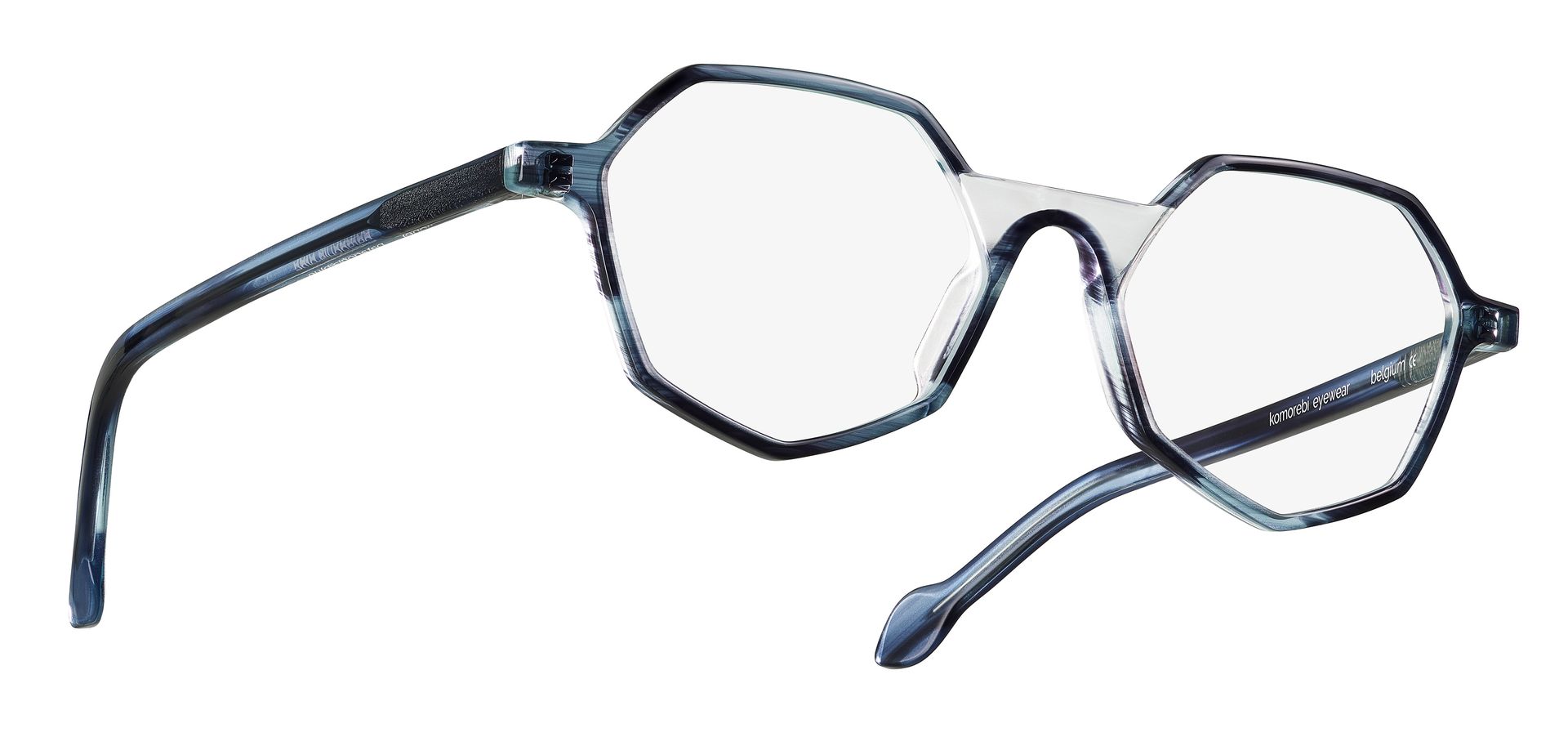
Several angles, not one flattering one
The front of the product sells it. The side and the back tell the buyer what they're getting: how deep the box is, where the lid opens, what the label says about ingredients or care. A single hero angle leaves those questions open, and an open question on a product page usually means the buyer leaves or sends you an email.
For most products that means a front view at eye level, a three quarter view from slightly above, and the back or underside where there's information on it. We keep the camera height and focal length fixed for each view, so the perspective doesn't change from one product to the next. A wide lens close to a product stretches it. A longer lens from further back keeps its proportions honest, which matters when someone is judging size from a screen.
Close ups of material and detail
Texture is where online buyers have the least to go on. The grain of a leather strap, the finish on a praline, the weave of a fabric, the brushed metal of a handle. A close up with the light raking low across the surface shows it. A flat frontal light from the same position hides it.
We shoot details as their own frames, with the light set for that surface, rather than cropping them out of the full product shot. A crop keeps the lighting that was right for the whole product, not for the detail.
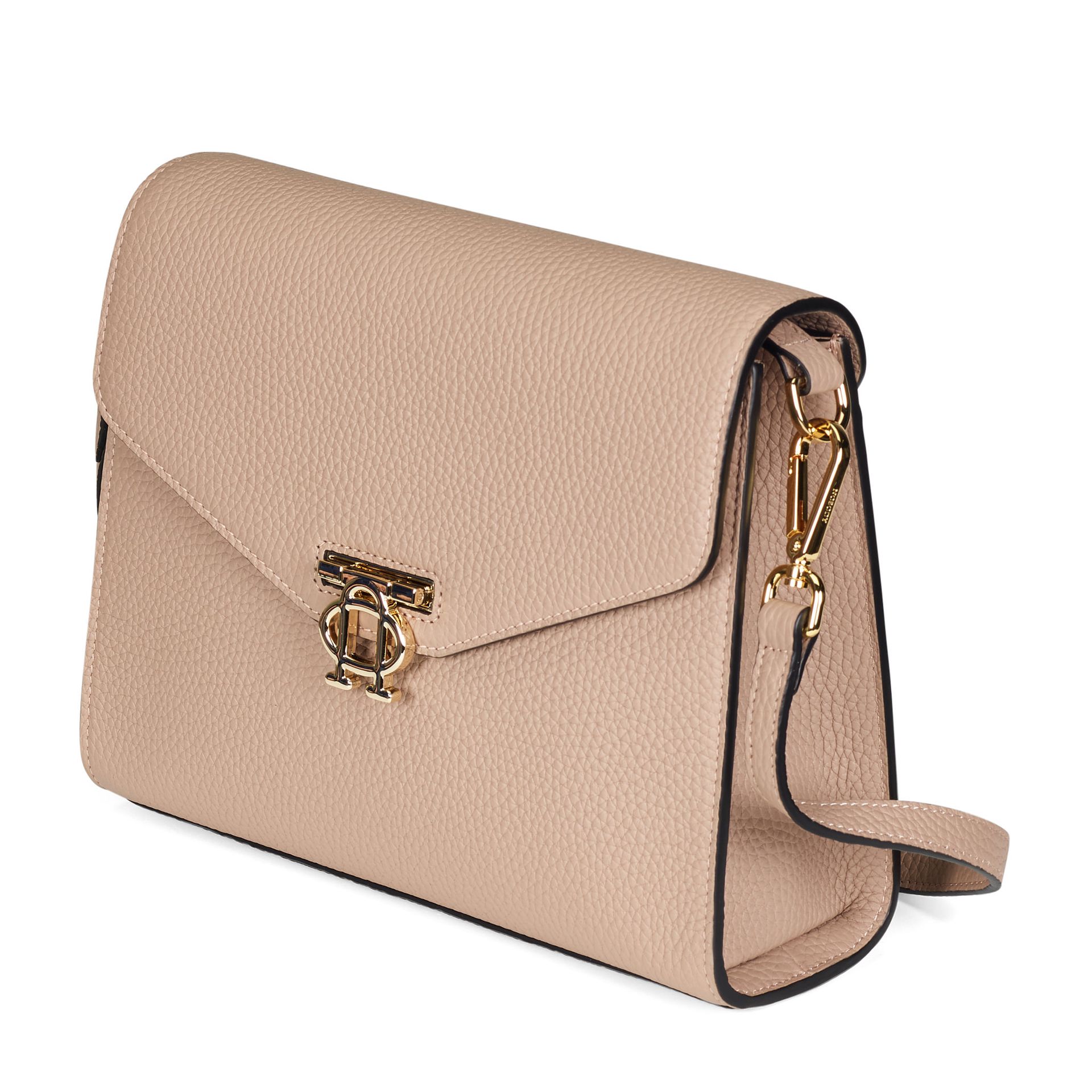
Leather grain and the gold clasp stay readable in a straight packshot on white.
Freestanding on white, and why that matters later
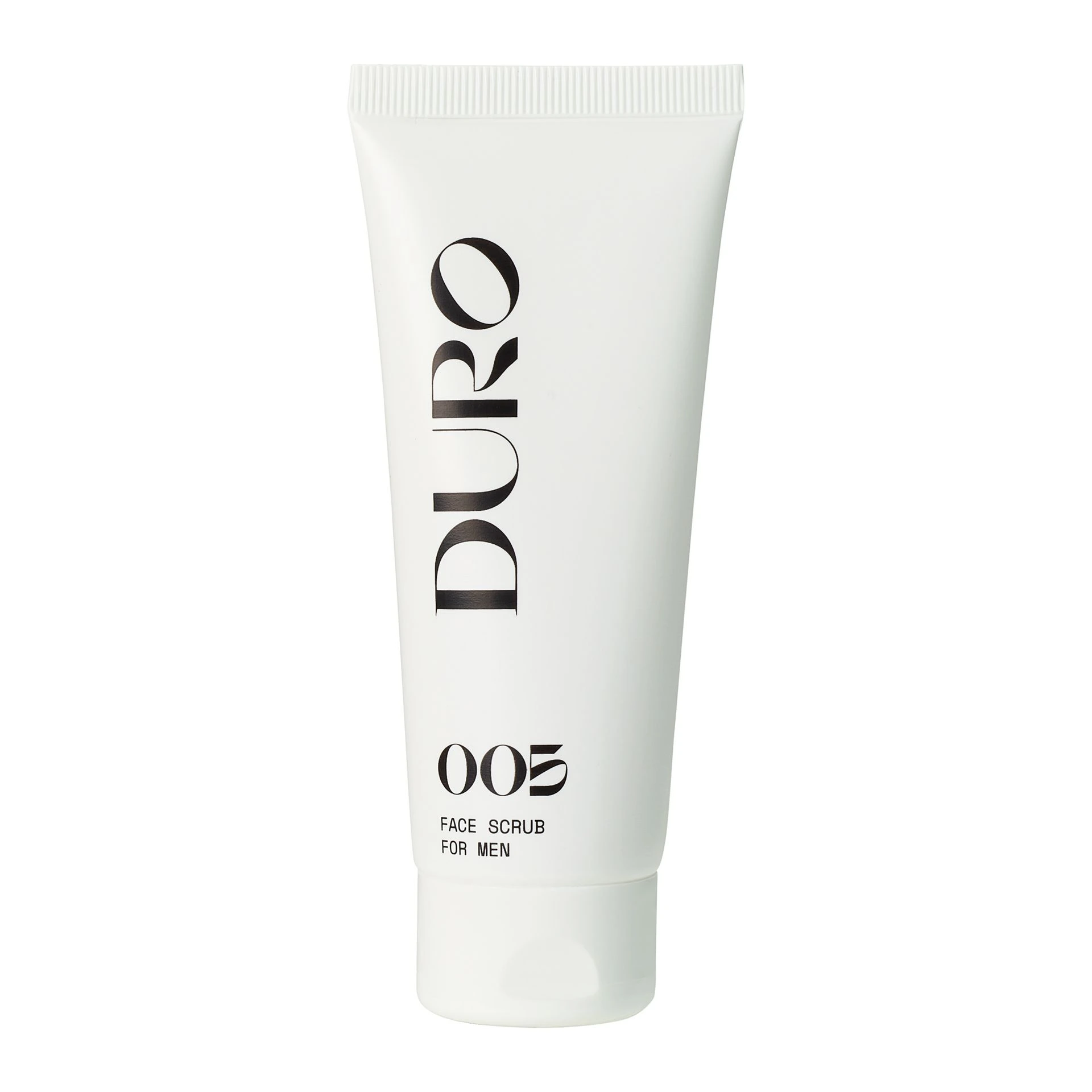
A freestanding packshot is the product cut out from its background, delivered on white or on a transparent layer. It's usually the most reused file you'll own. The same image goes on your product page, onto a marketplace that asks for a white background, into a catalogue, and onto the coloured banner your designer builds next year.
A cut out keeps its own shadow, or gets a clean one added, so the product sits on the page instead of floating. Ask for both versions when you brief the shoot: with shadow for the webshop, without for the designer who will place it on something else.
One look across the whole range
This is where a webshop starts to look like a shop rather than a folder of uploads. When forty products sit in a category grid, the buyer reads them as a set. If one is lit warmer, one is shot from higher and one fills twice as much of the frame as the others, the grid looks untidy, and the buyer ends up comparing the photos instead of the products.
Consistency comes down to three settings that stay locked for the whole range: the same light, the same camera angle and the same scale, so a small product looks small next to a large one. Flash helps here. Studio flash helps here. It fires at the same output shot after shot, so the product photographed in the morning matches the one photographed at the end of the day. We write the settings down, so a product added next season can be shot to match.
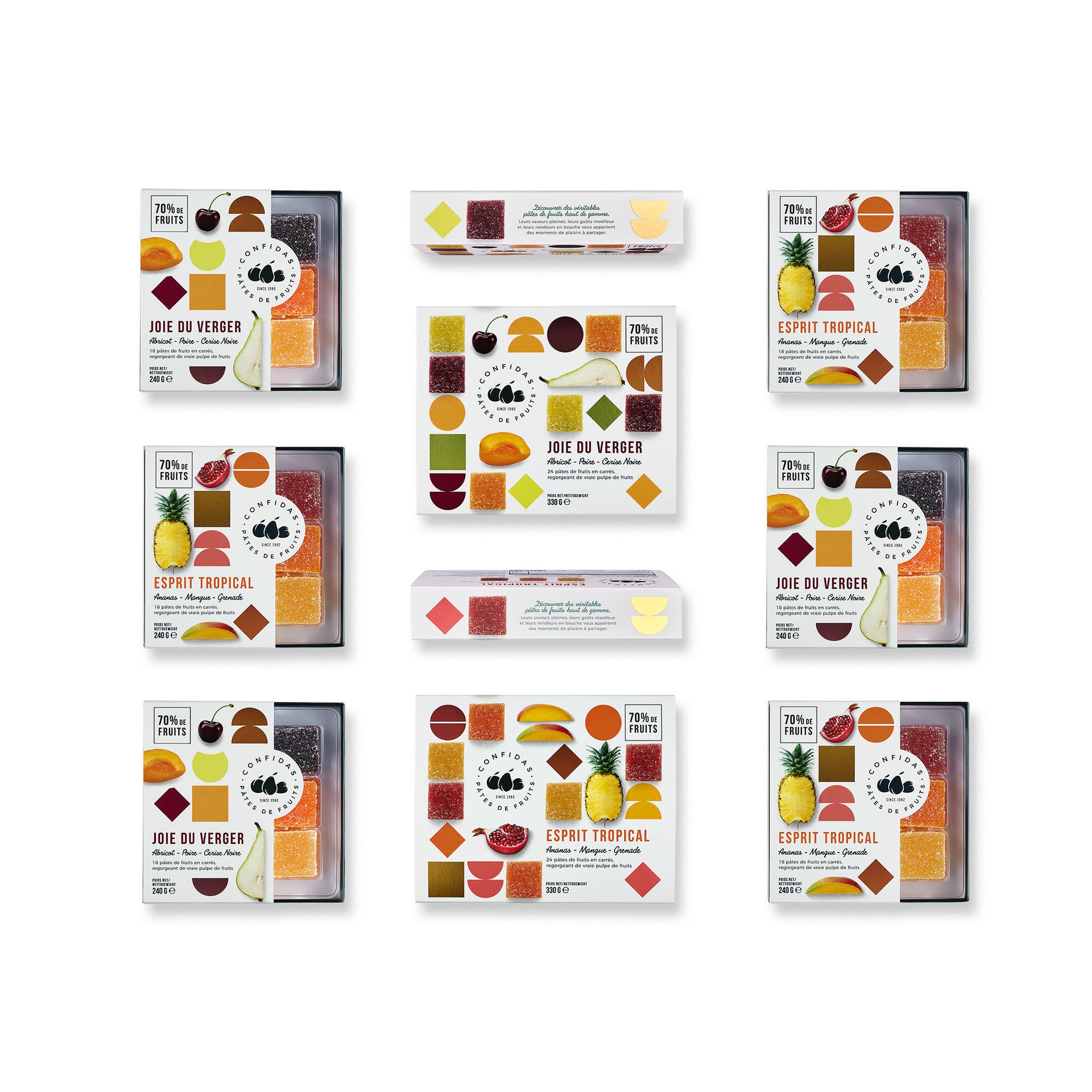
Same light, angle and scale across the range, so the grid reads as one shop.
Packaging next to what's inside
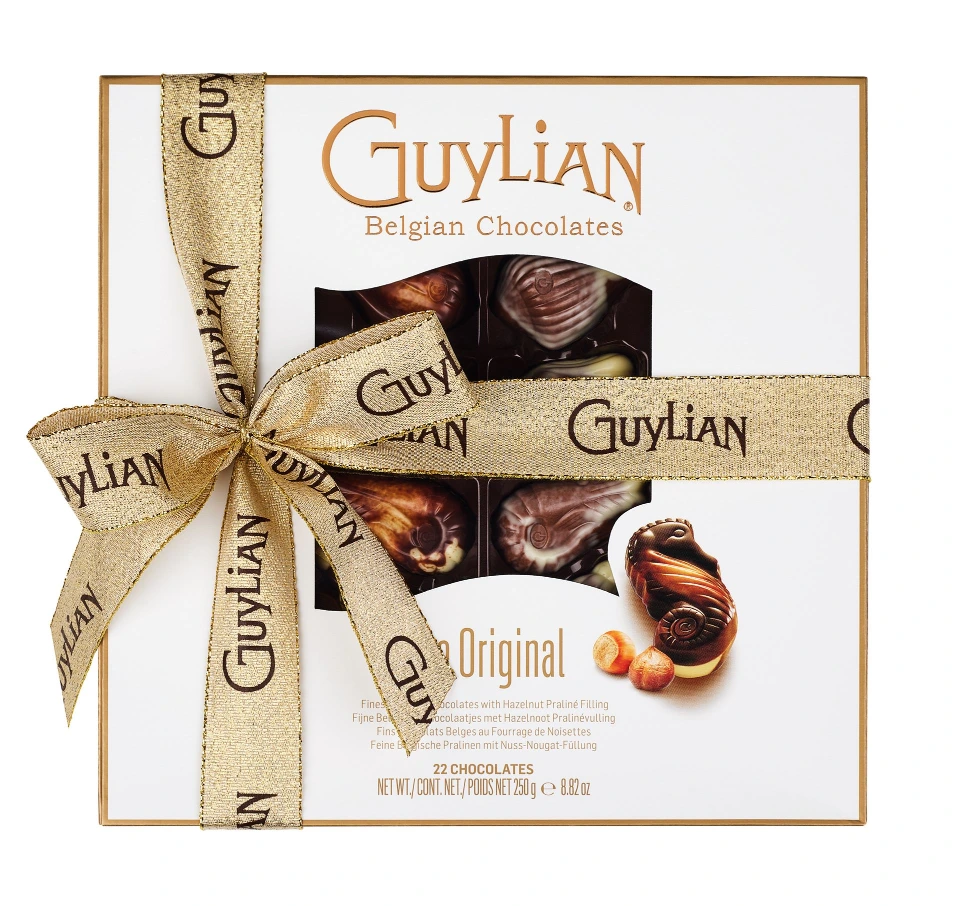
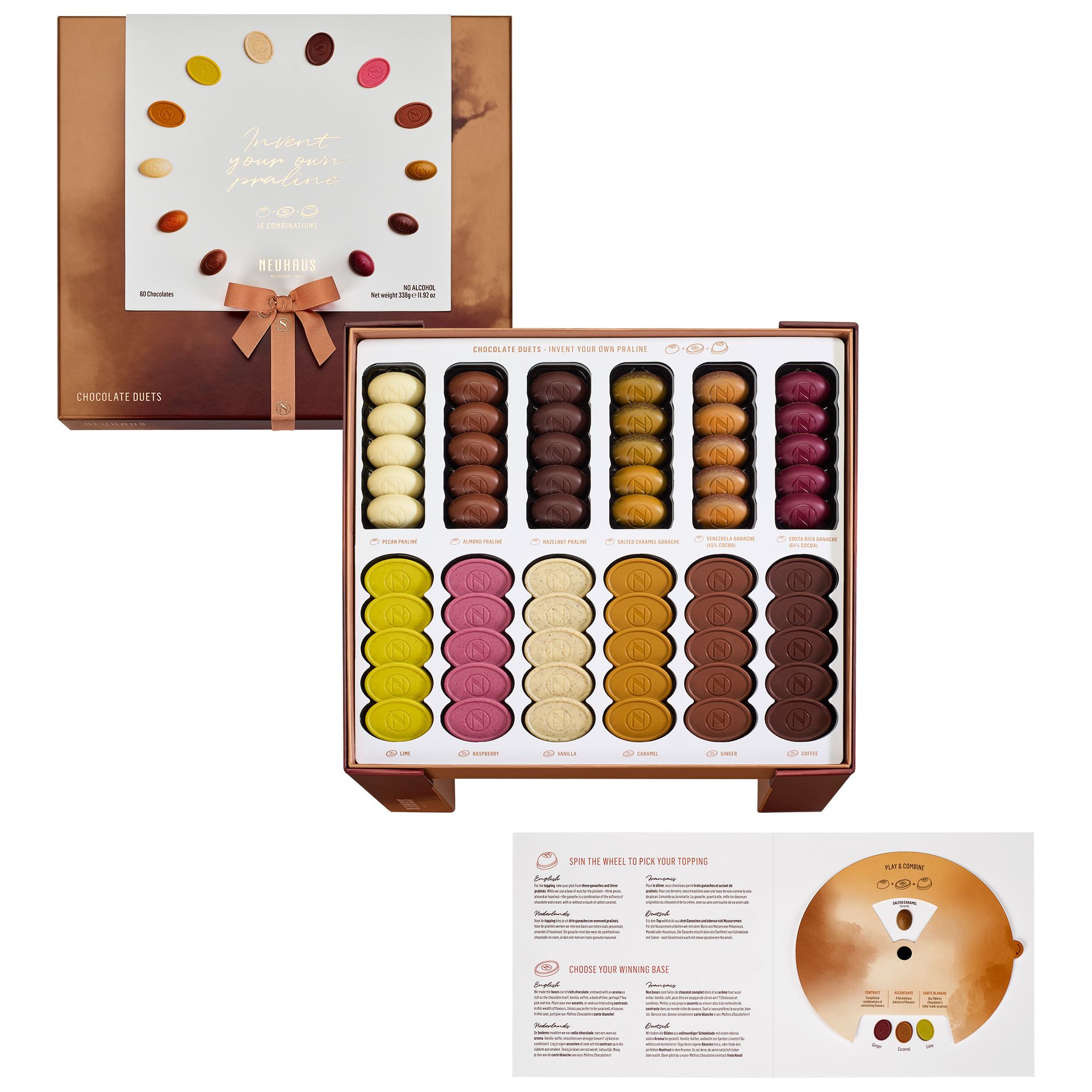
If the product comes in a box, a tin or a sleeve, show both. The pack tells the buyer what arrives on the doorstep and helps them recognise it on a shelf later. The contents tell them what they're paying for. A frame with the open pack beside its contents does both at once. For a box of pralines, it shows the count and the arrangement before anyone has to read the description.
How many photos per product
There's no right number, and anyone who gives you one without seeing the product is guessing. Work it out from the questions. A plain bottle may need a front, a back label and one detail. A kitchen tool needs the outside from several sides, each part that comes apart, and the mechanism up close. A box of pralines needs the pack, the contents and a close up of one piece.
Start with what a buyer would check in a shop, give each check one photo, and stop there. Keep the count the same for every product of the same type, so each page in a category feels complete. Add a mood shot only when it answers something a packshot can't, such as scale in use. That's advertising work with a set and a light plan of its own, and it's covered on our product photography page.
One shoot, every channel
A packshot shot at high resolution on a clean background serves the webshop, the printed catalogue, the product sheet for retailers and a social post without a reshoot. The master file stays large, and each channel gets a version sized for it. On the web, file size and format decide how fast the page loads, and our guide to optimising images for the web goes through that.
Plan the list of outputs before the shoot day, not after. A catalogue page in portrait and a marketplace that wants a square crop need different room around the product, and that room is easier to leave in the frame than to add later.
Questions we get about packshots
Do better packshots increase sales?
They help a buyer decide, which is the part a photo can control. Clear angles, visible detail and accurate colour answer the questions that otherwise stop someone on the product page. Price, stock, delivery and the product itself do the rest.
Why are packshots shot on a white background?
White keeps the attention on the product and lets the same file go anywhere: a webshop, a marketplace, a catalogue or a coloured layout. Delivered as a cut out, the product can be placed on any other background later.
How many packshots does one product need?
As many as there are questions a buyer would answer by holding it. That's usually a few angles, one or two details, and the pack where there is one. Keep the count the same for products of the same type, so the range looks complete.
Can the same packshots be used for print and social media?
Yes, if they're shot with that in mind. A high resolution master works in print, and smaller versions are exported for the web and social. Tell the photographer which crops and formats you need before the shoot, so there's room around the product for each one.
Filling a webshop or a catalogue?
Send us the range, the number of products and where the photos will be used, and we'll come back with how we'd shoot it. Earlier work is on our packshots page.