"Picture Perfect" The ultimate guide to optimizing your images for the web

WHy OPTIMISE YOUR IMAGES?
Image optimization is the process of reducing the file size of your images as much as possible while still maintaining their quality.
Why is it important? When you optimize your images, they take up less disk space, load faster, and use less bandwidth online.

CHOOSING THE RIGHT PHOTO FILE FORMAT FOR DIFFERENT PURPOSES
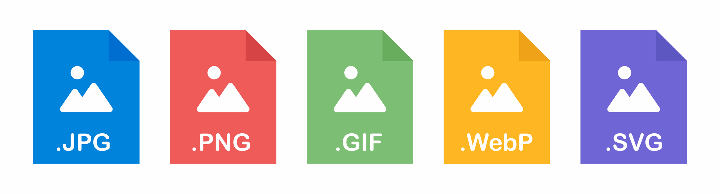
The most common image formats are JPEG, PNG, GIF, and SVG, as well as the newer WebP. Each has its own strengths and weaknesses.
• JPEG: This is the most commonly used format for photos because it is highly efficient at compressing images while preserving detail. However, JPEGs do not support transparency or animation.
• PNG: This is a lossless compression format, just like GIF, but unlike GIFs, there are no restrictions on the number of colors that can be used in an image; therefore, PNG files are not only larger than their GIF counterparts, but they also contain more information (they have higher fidelity). Due to their larger file size, we recommend using PNGs only if your work contains gradients or semi-transparent areas.
• GIF: Like PNG files, these also support transparency; however, due to their limited color palette, they are best suited for simple animations that use only black and white.
• SVG: Another point to consider is whether text needs to support transparency (or an “alpha channel”) in order to be readable; this is also known as “opacity.” If so, SVG could work well.
• WebP is a relatively new image format developed by Google, specifically designed for use on the web. It combines the best features of JPEG and PNG and offers both lossless and lossy compression options. You can learn more about WebP in our blog post on WebP.
FORMAT AND RESOLUTION
When optimizing images for online use, it is important to consider both the file size and the resolution of your images. However, with the rise of high-resolution screens, such as Apple’s Retina displays, it is becoming increasingly important to use images with a higher resolution than the standard 72 PPI.
If you're not sure what size or resolution to use for your images, here are a few tips:
• Start with the recommended dimensions and resolution if you have been provided with them.
• Use a higher resolution (144 PPI or higher) for images viewed on high-resolution screens.
• Keep the file size as small as possible without compromising image quality.
• Use image compression tools such as TinyPNG or JPEGmini to reduce the file size of your images without sacrificing too much quality.
• Consider using responsive images—images that are optimized for different screen sizes. This can ensure that your images look good on all devices.
COMPRESSING YOUR IMAGES
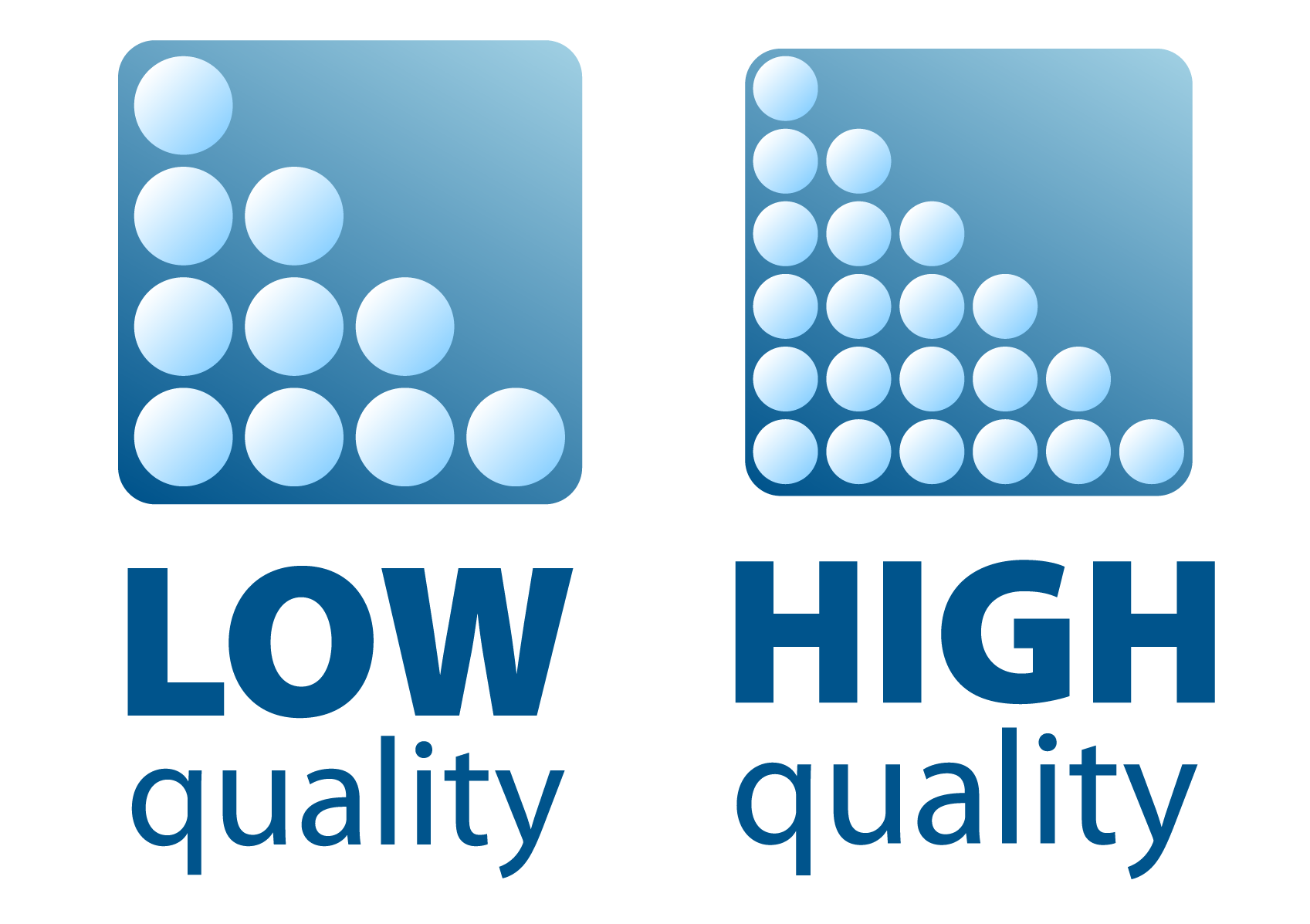
Lossless compression is a method in which all image data is preserved and can be restored. In contrast, lossy compression discards some of the image’s information so that it takes up less space.
The ideal level of compression depends on the file format you’re using: JPEGs are better suited for photos than PNGs because they use lossy compression; GIFs handle large areas of solid color better than PNGs; WebP is the newest format and offers a great balance between smaller file sizes and quality preservation.
A FEW SPECIFIC COMPARISONS
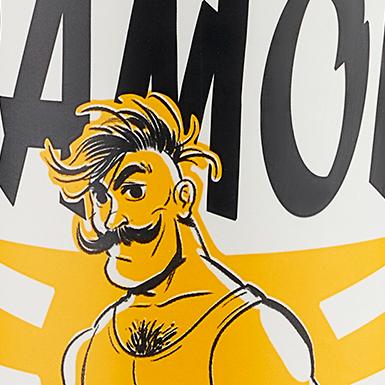
Below you will find some comparisons of quality and file size between different file formats, dimensions, resolutions, and compression tools.
The photos have been enlarged 10x to highlight the differences in detail.
Depending on the magnification and intended use, it may still be advisable not to make the photos smaller than 1000px. If a large number of photos are to be displayed on a website, such as an online store, it is important to also consider file size to ensure fast loading times. WebP is an ideal format, but unfortunately it is not yet supported by all platforms and web browsers.

1600px 150ppi file sizes
JPG 1200 Kb
JPG compressed JPGmini 604 Kb
PNG 1700 Kb
WebP lossy 534 Kb

1600px 72ppi file sizes
JPG 1200 Kb
JPG compressed JPGmini 615 Kb
PNG 1700 Kb
WebP lossy 539 Kb
1000px 150ppi file sizes
JPG 474 Kb
JPG compressed JPGmini 285 Kb
PNG 705 Kb
WebP lossy 195 Kb

1000px 150ppi file sizes
JPG 619 Kb
JPG compressed JPGmini 338 Kb
PNG 745 Kb
WebP lossy 249 Kb
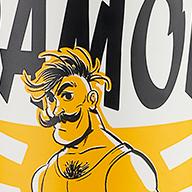
500px 150ppi file sizes
JPG 172 Kb
JPG compressed JPGmini 111 Kb
PNG 210 Kb
WebP lossy 65 Kb

500px 150ppi file sizes
JPG 218 Kb
JPG compressed JPGmini 132 Kb
PNG 230 Kb
WebP lossy 82 Kb
CONCLUSION
Optimizing images for online use is a crucial aspect of website design, social media, and content creation in general, and can have a significant impact on the user experience.
By choosing the right file type, compressing your images, using the appropriate image formats for different purposes, optimizing images for the web and mobile devices, and using image CDNs, you can ensure that your website’s images look great and load quickly on all devices.
Keep in mind the size and resolution of your images, especially with the rise of high-resolution screens like Apple Retina displays. By following these tips and best practices, you can create a visually stunning website that offers a seamless and enjoyable user experience.
Please contact us if you have any questions or would like to schedule a no-obligation consultation to discuss how we can help your company improve its visual branding.